
Notifications
The Notifications feature within Claims Gate allows you to quickly see alerts to certain actions that claimants have completed. It will show you any Notifications that exist for the selected claims.
To start, set your filters to the desired values, for example if you are looking for notifications on claims started this week, set the date range to 'This Week' and click 'Search'. Should any notifications exists for the returned claims, you will see them in the notifications table.
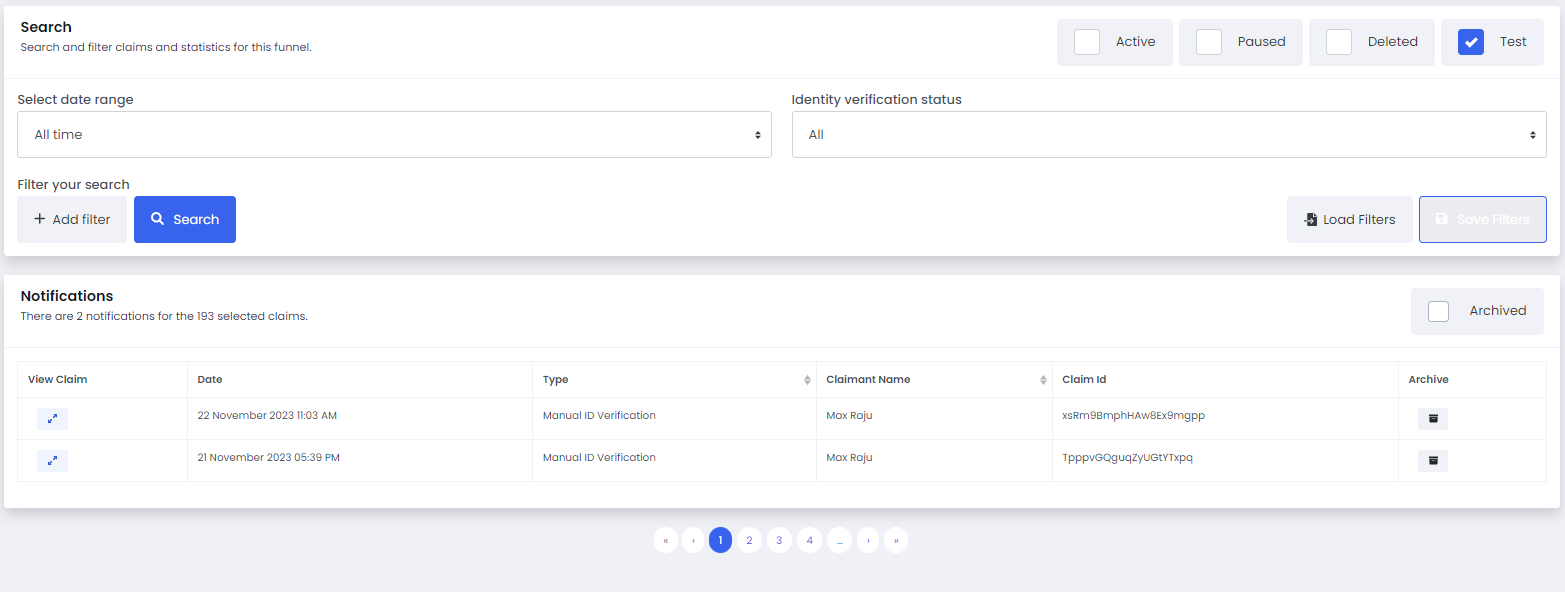
You can now view the claim, and when ready archive the notification. Archived notifications can be viewed by check the 'Archived' button in the top right of the notification table.
Depending on your funnel set-up, there may be several Notification types available. Should there be a Notification type you would like added to your funnel, please raise a support ticket and our team will get back to you.